Keep PDF Versions Straight: Sources, Working Copies and the File You Send
The wrong version can be more damaging than a failed conversion. Use a clear source-to-output routine and verify the actual attachment before sending a processed document.
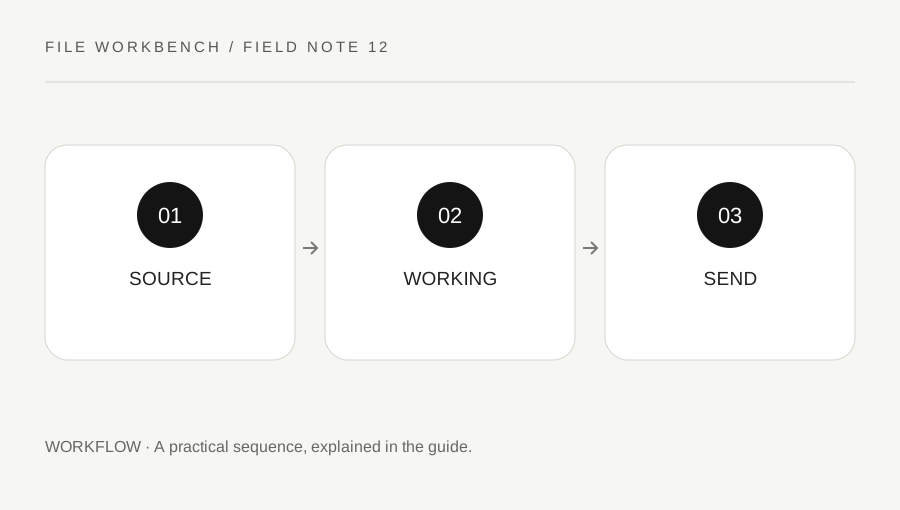
Original explanatory diagram. Numerical examples in this guide illustrate the reasoning; they are not a claim of hands-on testing.
Protect the reference copy
Keep the original document in a clearly identified folder or approved storage location. Make transformations into new copies rather than overwriting the only source. If several people contribute files, confirm which version each supplied before assembling the packet. A filename containing final is not reliable evidence that a document is current.
Record the date or revision identifier relevant to your process and the intended purpose of the output. Avoid placing unnecessary personal information in filenames, especially when files may be shared outside the family or organization. A useful name helps distinguish versions without revealing account numbers, addresses or other details that the recipient does not need in the attachment label.
Use names that describe the operation
A working copy can indicate that it is an excerpt, merged packet or rotated reading copy. Keep the naming convention simple enough to use consistently. Do not create a long chain of final-final-new files with no explanation of what changed. If the operation affects only certain pages, retain a short private note of the range and source versions.
The workbench’s default download names identify the operation, not your whole project. Rename the saved copy appropriately through your normal file management process. If the browser adds a number because a filename already exists, inspect the actual file you intend to use. Two similarly named downloads can easily be confused when one was created before the final settings were applied.
Work through a small packet example
Imagine a user merges a cover and supporting report, then discovers the report was an earlier draft. They return to the current sources and build a new packet rather than patching an uncertain output. They open the saved download, inspect the report’s revision detail and check the expected page count before selecting it for sharing.
At the attachment stage, they open the chosen file from the actual destination or preview where supported. This final check catches a common mistake: reviewing one copy and attaching another from a nearby folder. The example is a practical workflow, not a guarantee that every sending interface offers the same preview. Use the verification methods available in the authorized service.
Manage temporary copies deliberately
After the accepted output is confirmed, retain or remove working copies according to your needs and any organizational policy. Clearing the browser tool removes its temporary selection and output reference; it does not delete files already downloaded. Shared folders, backup systems and recipients may hold other copies beyond the tool’s control.
If you discover that you sent the wrong version, use the appropriate correction channel and identify the replacement clearly. Do not assume that sending a new file erases the earlier one. Keep the authoritative source and the accepted output distinguishable. A straightforward version routine reduces repeated processing, protects the reference material and makes later questions about what was actually supplied easier to answer.
Write a one-line completion note
For a document that matters, keep a short note with the source revision, operation, output filename and review date. Add the recipient or destination only where appropriate and private. You do not need an elaborate tracking system for a routine file, but one line can prevent a later mix-up. If another person continues the work, the note explains which copy was reviewed and which sources remain intact. Avoid marking a file accepted unless the relevant recipient or process actually confirmed that status.
A practical checklist
Tick items for your own use. This checklist is saved only in this browser.
Questions that come up
Does the default download filename identify my project?
No. It identifies the operation. Rename and organize the saved copy appropriately before sharing.
Does sending a replacement remove the old attachment?
No. Use the appropriate correction process and assume recipients may retain earlier copies.
Should I overwrite the source after a successful merge?
Keep the source separately where you are entitled to retain it. A new assembled file may be needed differently later.
References & scope
Background references checked on 18 October 2026. The examples and practice exercises are original editorial explanations, not copied procedures or professional advice.