Reorder Selected PDF Pages with a Deliberate Page Map
A page-selection list can create a new reading order as well as an excerpt. Make a map first, then review every transition so a rearranged file still makes sense.
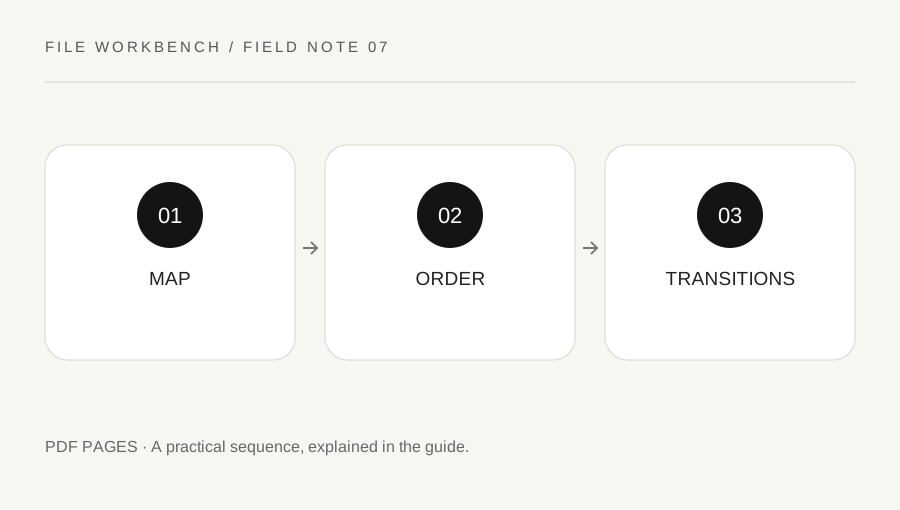
Original explanatory diagram. Numerical examples in this guide illustrate the reasoning; they are not a claim of hands-on testing.
Write the target sequence before entering a range
Open the original and identify physical page positions, counting the first file page as one. Write the order you want the new copy to use. If you are moving a summary before an appendix, identify those pages by headings as well as numbers. Printed labels may differ from physical positions, so do not build the map solely from a table of contents.
Decide whether reordering is appropriate for the material. A signed, official or formally issued document may need to remain unchanged or be supplied with separate explanatory material. Follow the recipient’s requirements and keep the original intact. The workbench creates a new copy; it does not certify that a reordered version has the same status or meaning as the source.
Use extraction order carefully
The extract operation preserves the sequence you enter, so a selection such as 4,1-3 creates a copy beginning with physical page four followed by pages one through three. This is useful when that sequence is deliberate. Repeated positions are rejected to reduce accidental duplication. The tool does not decide whether the resulting order is logically correct.
For a complex rearrangement, use a small test segment first. Enter the planned positions, build a new download and inspect it in an ordinary viewer. Do not overwrite the source or repeatedly edit an uncertain output without tracking the sequence. A source-to-output map is easier to review than trying to remember which page moved during several successive attempts.
Work through a four-page example
Imagine a draft packet whose physical pages are a detailed note, two supporting pages and a one-page summary. The intended reading order is summary, note, supporting pages. Enter 4,1-3 and expect four output pages. Check that the summary is now first and that the supporting pair remains in its original order.
Read cross-references in the new sequence. A sentence saying see the previous page may no longer make sense, and printed page numbers will not automatically be rewritten. The operation moves pages, not prose or references. If the document is still being authored, editing the source file may produce a cleaner final result than rearranging the PDF after export.
Review navigation and context as separate features
Check page count, headings, transitions and any required bookmarks, links, forms or accessibility structure. Page assembly does not guarantee that every non-page feature behaves identically in the new document. A visually readable packet can still have broken navigation or an unsuitable logical reading order. Use an appropriate authoring or remediation workflow where those requirements matter.
Label the output clearly as the version you intended to create and keep the page map if another person needs to review it. If the rearrangement causes confusion, return to the original and the source author rather than adding more unexplained copies. A useful reordered file has a clear purpose, an intact source and a review that considers how someone will actually read the new sequence.
Check deliberately omitted pages
If the map leaves out pages, make a separate note of what was excluded and why. A reordered excerpt can accidentally remove definitions, table headings or notes needed to understand the retained material. Read the new copy without relying on your memory of the original to see whether it stands on its own. Where the recipient needs the complete record, provide the original through the required route rather than assuming your concise rearrangement is an acceptable substitute. Context is part of the review, not a property the range parser can measure.
A practical checklist
Tick items for your own use. This checklist is saved only in this browser.
Questions that come up
Can I put page four before pages one to three?
Yes. In extract mode, 4,1-3 preserves that entered order. Review the downloaded result and any cross-references.
Will printed page numbers change automatically?
No. The tool copies page content; it does not rewrite printed numbering or references.
Can I repeat a page in the range?
This tool rejects duplicate positions to catch accidental repetition. Use another reviewed workflow for deliberate duplicate pages.
References & scope
Background references checked on 18 October 2026. The examples and practice exercises are original editorial explanations, not copied procedures or professional advice.