PDF Accessibility After Page Assembly: Review Beyond Appearance
A PDF that looks orderly can still be difficult to navigate with assistive technology. If accessibility matters, preserve the authoring source and review the final file through an appropriate workflow.
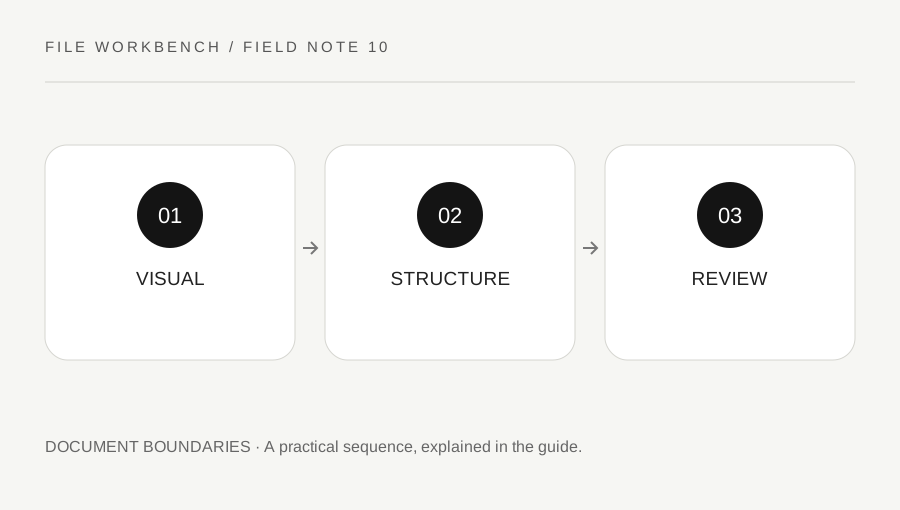
Original explanatory diagram. Numerical examples in this guide illustrate the reasoning; they are not a claim of hands-on testing.
Separate visual order from logical structure
Reading order on the screen is not the whole accessibility story. A PDF can have structural information that helps software interpret headings, paragraphs, tables and interactive elements. W3C guidance discusses logical reading and tab order as part of PDF accessibility techniques. Page assembly alone does not establish that the required structure is correct.
Keep the original authoring document where you are entitled to retain it. It may be a better place to repair headings, language, alternative text and layout before exporting a new PDF. Do not assume that printing a PDF to another PDF preserves accessibility features. A visually similar copy can behave differently for navigation and assistive tools.
Define the recipient’s actual requirement
Ask whether the recipient requires a particular accessible format, a source document, an alternative version or a formal review. This workbench does not certify compliance and should not be used as a substitute for an accessibility assessment. A short personal reading packet and a public institutional publication can have very different requirements.
Plan the page operation around those needs. If a source is already accessible, keep it intact until the assembled version has been checked. If the source is not accessible, merging several files does not automatically repair it. Use appropriate authoring and remediation tools and involve someone with relevant expertise when the requirement is important or the document is complex.
Work through a multi-source packet example
Imagine a packet combining a structured report, a scanned appendix and an interactive form. All three can look readable to a sighted reviewer, yet their navigation and text availability may differ. After assembly, a visual check of the cover does not answer whether a reader can reach headings, understand the scanned content or move through form controls logically.
The reviewer identifies the required output and uses an approved accessibility workflow for the final packet. They may need a better source for the scan or a different arrangement for the form. This example illustrates why a page-count check and an accessibility check serve different purposes. The workbench’s successful download cannot stand in for either a detailed review or the recipient’s acceptance.
Document what was actually checked
Record the source versions, page operation and review method, without claiming more than you verified. A statement that pages were visually inspected is narrower than a statement that the document meets an accessibility standard. If only a limited check was possible, say so and seek the appropriate next step rather than treating the absence of an obvious visual error as proof.
Keep any alternative accessible version clearly associated with the authoritative content and follow the organization’s version process. When content changes, review the alternatives too. The practical goal is a document people can use, with structure and navigation considered alongside appearance. A careful page tool can be part of preparation, while accessibility remains a separate responsibility requiring suitable tools and evidence.
Use a real reading task in the review
Beyond checking properties, ask whether the final file supports the tasks a reader needs: finding a section, moving between headings, understanding a table or completing an allowed form. Use appropriate assistive-technology testing and expertise rather than improvising a compliance verdict. A task-based review can reveal issues a thumbnail inspection misses. Keep personal information out of test examples and document the scope of the review so a later editor knows which parts need rechecking after another merge, extraction or content update.
A practical checklist
Tick items for your own use. This checklist is saved only in this browser.
Questions that come up
Does a successful merge prove accessibility?
No. It proves a new file was created. Accessibility structure, navigation and usability need appropriate separate review.
Can a scanned page look clear but remain inaccessible?
Yes. Visible text in an image does not by itself establish usable text and structure for assistive technology.
Does this workbench certify compliance?
No. Use the relevant authoring, remediation and review process for the requirement you need to meet.
References & scope
Background references checked on 18 October 2026. The examples and practice exercises are original editorial explanations, not copied procedures or professional advice.