Before Editing a Signed PDF or Interactive Form: Check the Required Workflow
A PDF can contain signatures and form behavior beyond its visible page artwork. Keep the original and use the document owner’s required process before assembling or changing pages.
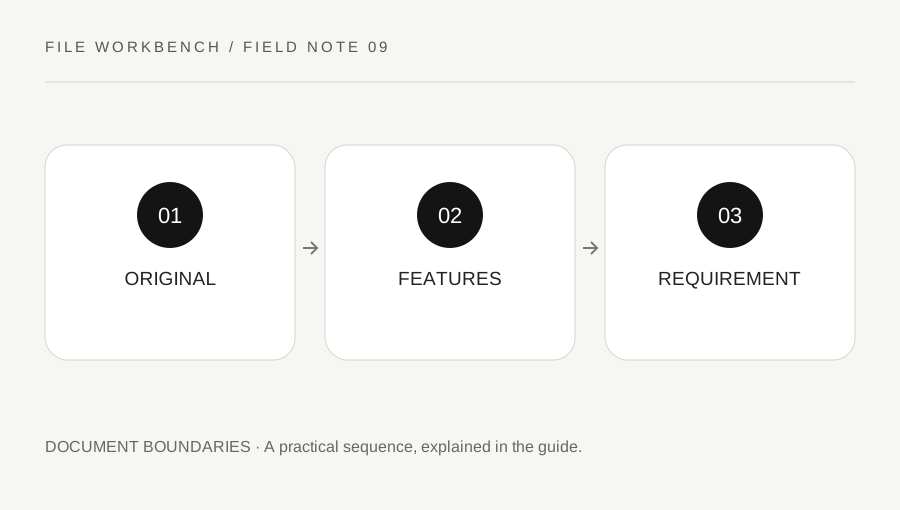
Original explanatory diagram. Numerical examples in this guide illustrate the reasoning; they are not a claim of hands-on testing.
Identify what makes the document more than pages
Open the source in a suitable viewer and inspect whether it contains interactive fields, signature information, attachments or instructions about permitted changes. Do not infer these features solely from a visible box or handwritten-looking mark. A signature image and a certificate-based digital signature are different things, and this workbench does not validate either person’s identity or the document’s status.
Read the recipient’s instructions before transforming the file. An application packet may require an original signed PDF as a separate attachment, while another workflow may use an unsigned draft for assembly before signing. Follow the process that applies to your actual document. A generic page tool cannot decide which version an organization considers authoritative.
Treat a transformation as a new document
Merging, extracting or rotating creates a changed output. Do not assume that a visible signature mark proves the new copy retains the original validation or permissions. Adobe’s documentation describes limitations and permissions around signed PDFs; use a suitable viewer and the responsible workflow to evaluate the source rather than trying to bypass restrictions.
Interactive forms also need deliberate checking. Copying visible pages may not preserve every field, calculation, link or supporting structure as expected. This workbench is intended for straightforward page tasks, not form-authoring or signature-preservation assurance. Keep the original and stop if the feature you need is outside the tool’s stated scope. A failed transformation is not a reason to remove protection through an unfamiliar service.
Work through a submission example
Imagine an organization asks for a signed form and supporting documents as separate files. Combining them into one neat-looking PDF may violate that requirement even if every page appears present. The useful action is to retain the signed source, prepare the supporting packet separately if allowed and confirm the submission instructions before attaching anything.
In another case, a person is still assembling an unsigned draft before it enters the approved signing process. They can use an appropriate page workflow, inspect the result and then follow the authorized signing route. These are different stages. The workbench does not tell you that a signature remains valid, nor does it substitute for the recipient’s acceptance criteria.
Verify through an appropriate process
If the final document needs functioning fields, use a suitable viewer to test them with non-sensitive sample information where appropriate and permitted. Check the actual saved output, not only a preview. If signature status matters, use the approved validation route and ask the document owner or recipient when uncertain. This journal does not provide a legal determination about authenticity or acceptance.
Keep versions clearly labelled and avoid overwriting the only original. If you already changed a file and are unsure of its status, return to the untouched source and explain the question to the responsible party. A visually tidy packet is not the only goal; preserving the required document process can be more important than reducing the number of attachments.
Avoid confusing a screenshot with validation evidence
A screenshot can show that a mark or field was visible at one moment, but it does not establish the underlying document’s signature status or interactive behavior. Do not use a cropped image of a signature panel as a substitute for the required file and validation procedure. Share only the information the responsible recipient needs, keeping personal data private. If you need an accessible reading copy in addition to an authoritative original, ask how both should be supplied and label them clearly rather than silently treating one as equivalent to the other.
A practical checklist
Tick items for your own use. This checklist is saved only in this browser.
Questions that come up
Can this tool certify a signature remains valid?
No. It does not validate signatures or certify document status. Follow the document owner’s required workflow.
Is a visible signature image the same as a digital signature?
No. A visible mark and a certificate-based signature are different features that need appropriate interpretation.
Should I remove protection to merge the pages?
Do not attempt a bypass. Use an authorized source and the appropriate document process.
References & scope
Background references checked on 18 October 2026. The examples and practice exercises are original editorial explanations, not copied procedures or professional advice.