Changing an Image Extension Is Not the Same as Converting Its Format
A filename helps software guess a type, but it does not rewrite the encoded image. Use a real export and check the actual saved output when a destination requires JPEG, PNG or WebP.
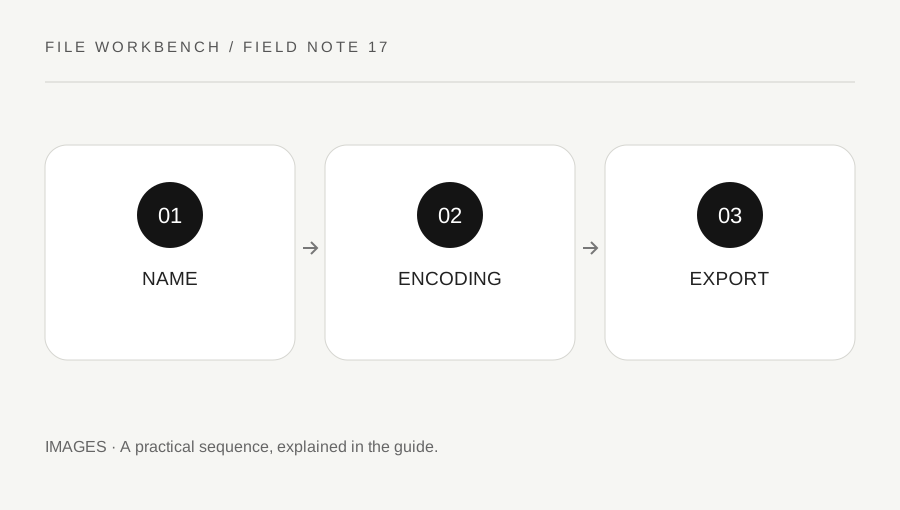
Original explanatory diagram. Numerical examples in this guide illustrate the reasoning; they are not a claim of hands-on testing.
Keep the filename and content separate
A file ending in .jpg is expected to contain JPEG data, but renaming another type with that suffix does not transform its contents. Some applications may still open it by inspecting the data, while others reject the mismatch. Do not use successful opening in one viewer as proof that an upload service will accept it.
Keep the original filename and source intact while making a converted copy. If the file came from an unfamiliar or suspicious source, do not treat an image-looking extension as proof that it is safe to open. This workbench is a conversion utility, not a malware scanner or a verification service for every possible attachment.
Choose an actual export operation
Select the image mode, use a supported static source and choose the desired output format. The browser decodes the source, redraws it at the fitted dimensions and exports a new encoded image. The tool chooses the download extension from the actual output type rather than simply reusing the source suffix.
Browsers support PNG export and may support additional requested types. If a requested type is unavailable, the canvas export can fall back to PNG. The workbench reports the produced type and names the file accordingly. Read that report, especially if a destination specifically requires WebP or JPEG. A fallback that opens successfully can still be the wrong type for the intended submission.
Work through a rejected-upload example
Imagine a form accepts JPEG but rejects a file whose name was changed from image.png to image.jpg. The useful next step is a real JPEG export from the original supported image, not another filename change. In this workbench, that export also uses a white background where transparency existed, so inspect the result before submitting it.
If the newly encoded JPEG still fails, read the form’s other rules. It may have a maximum byte size, exact dimensions or minimum image requirements. Format is one condition among several. Check the actual saved file, not an older copy with the same-looking name in the download folder. A conversion workflow is most reliable when each destination requirement is checked separately.
Use plain filenames and preserve the best source
Name the accepted output clearly and avoid misleading duplicate extensions. The default workbench name identifies the produced format; you can rename its descriptive part through normal file management without changing the actual suffix. If your system hides extensions, use its appropriate file-information view when the type matters.
Keep the original where you are entitled to retain it. Repeated conversion between compressed formats does not restore lost detail and can make later comparisons harder. Start future exports from the best available source rather than the last small copy. A correct extension, real encoded type and inspected content together provide a much stronger basis for sharing than any one of those checks alone.
Treat special source features as a separate requirement
Animation, layers, editing data and some metadata are not preserved by this simple raster redraw workflow. A converted image may be a valid JPEG or PNG while losing features that mattered in the source. Use a static source for this tool and an appropriate editor for animation or layered work. Confirm the destination’s practical need before converting. The word converted describes a file operation, not a promise that every source property or production requirement survived it unchanged.
A practical checklist
Tick items for your own use. This checklist is saved only in this browser.
Questions that come up
Can I turn PNG into JPEG by renaming it?
No. A filename change does not rewrite the encoded image. Use a real export and inspect the result.
Why did a requested format produce PNG?
The browser may not support that requested canvas export type. The tool reports the actual type and uses a matching extension.
Does a valid format preserve animation?
Not in this static redraw workflow. Use an appropriate tool when animation or other special source features matter.
References & scope
Background references checked on 18 October 2026. The examples and practice exercises are original editorial explanations, not copied procedures or professional advice.