KB, MB and MiB: Read an Upload Limit Without Unit Confusion
A file-size number is useful only with its unit and definition. Check the exact destination limit and the actual saved bytes rather than assuming two displays use identical conventions.
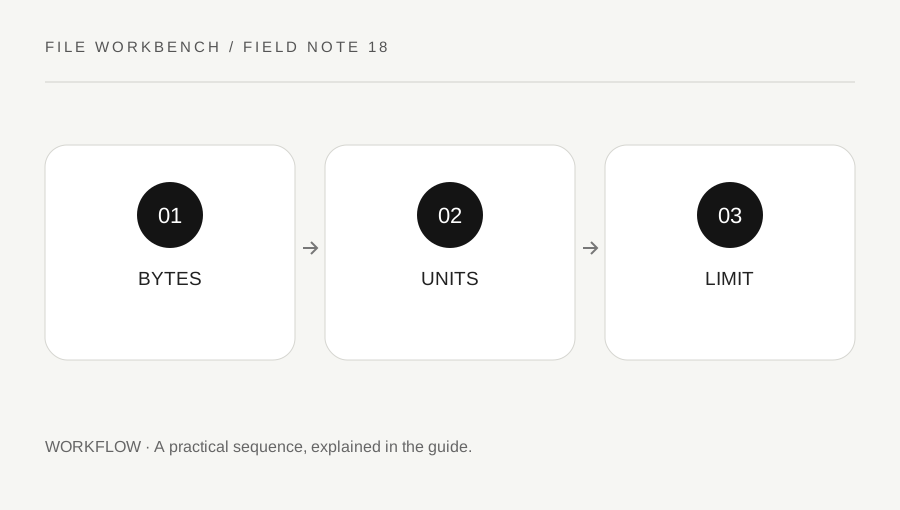
Original explanatory diagram. Numerical examples in this guide illustrate the reasoning; they are not a claim of hands-on testing.
Start with bytes as the reference
A byte count is the clearest common reference when an exact limit matters. Decimal prefixes use powers of one thousand, while binary prefixes such as KiB and MiB use powers of 1024. NIST documents the distinction between these conventions. Some everyday interfaces use familiar labels loosely, so read the service’s own instructions rather than assuming the label tells the whole story.
This workbench reports binary sizes in KiB and MiB, using divisions by 1024 and 1,048,576. Treat those rounded values as convenient summaries, not an exact statement of a destination’s decimal threshold. Use your operating system’s detailed file information or the destination’s own accepted-byte rule when the margin is small.
Do not confuse file size with dimensions
An image can have the same pixel dimensions as another image and a different byte size. A PDF can have fewer pages and still be larger because its content is more complex or contains large scans. A maximum-size box in the image tool controls dimensions, not an exact storage target. The quality setting also does not guarantee a fixed byte count.
Write the destination’s requirements separately: accepted format, maximum dimensions, maximum bytes and any completeness rule. This prevents solving one limit while missing another. A file may be geometrically small enough but exceed the byte limit, or fit the byte limit while being unreadable. Review the task as a whole rather than chasing a single number.
Work through a decimal-versus-binary example
Imagine a service defines its limit as 1,000,000 bytes. A file of 1,020,000 bytes exceeds that limit even if another interface rounds or labels it in a way that looks close to one megabyte. The exact acceptance rule matters more than a friendly rounded display. These numbers are an arithmetic example, not a description of a particular upload service.
Leave a sensible margin where practical rather than targeting the displayed boundary exactly. For an image, compare a slightly lower quality or smaller fitted copy from the original and inspect the result. For a PDF, use an appropriate optimization or authorized excerpt workflow rather than assuming merging will compress it. Always keep the complete readable source.
Verify the saved file and destination response
Check the file actually selected for upload, especially when several similar downloads exist. Read the exact rejection message before changing settings again. A format or dimension failure can be mistaken for a size failure when the interface uses a general error. If the service documents an exact byte limit, compare against that definition.
After a successful upload, review the preview or confirmation available through the authorized workflow. Size acceptance does not prove content completeness, readability or submission success. Keep the accepted version clearly named and remove unwanted temporary copies from shared folders when appropriate. A careful unit check saves repeated guessing, while the final content review ensures the smaller file still serves its purpose.
Keep rounding out of your arithmetic
When comparing two outputs, calculate any reduction from actual byte counts where available rather than rounded KB or MB labels. A rounded display can hide small differences and make a near-limit result misleading. If you only have a summary value, describe it as approximate. Do not promise a percentage saving before processing a real source, because image content and encoding determine the output. A concise note of the source and accepted output sizes is enough for most everyday workflows without inventing precision the interface does not provide.
A practical checklist
Tick items for your own use. This checklist is saved only in this browser.
Questions that come up
Does 1 MB always mean the same byte count in every interface?
No. Conventions and labels can differ. Check the exact service rule and actual bytes when close to a limit.
Can fewer pixels guarantee a fixed file size?
No. Content and encoding still matter. Read the actual output size after export.
Does upload acceptance prove the document is correct?
No. Review readability, completeness and the service’s confirmation separately.
References & scope
Background references checked on 18 October 2026. The examples and practice exercises are original editorial explanations, not copied procedures or professional advice.